






3D modeling software
3D modeling software
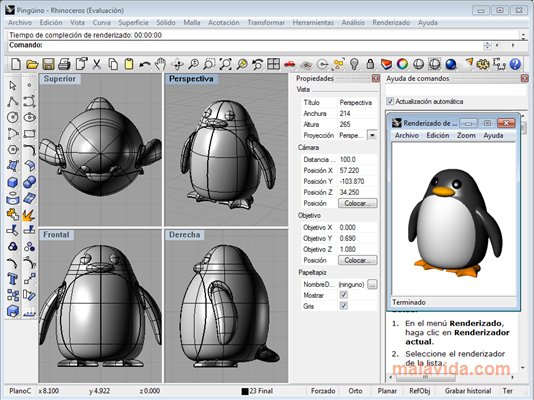
Rhinoceros is 3D design software for creating amazing models and designs with a variety of professional editing tools. Its next-generation rendering engine allows you to design visually stunning content with very fast rendering speeds and flawless image quality.
With Rhinoceros you can create everything from product prototypes and architectural concepts to three-dimensional design models using advanced tools and an intuitive interface. Therefore, it is the ideal software for designers, architects, engineers and creative professionals.
Rhinoceros Features
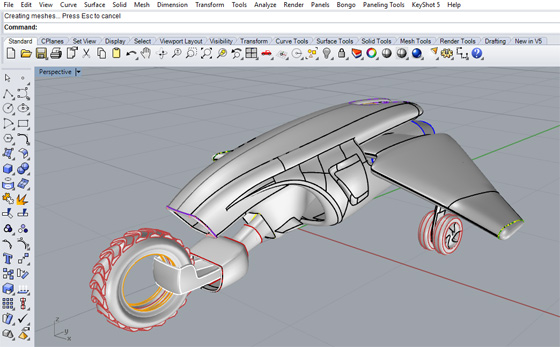
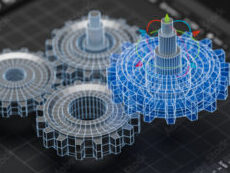
Creating and editing NURBS curves directly from the model
NURBS (Non-uniform rational basis spline) modeling is one of the main features of Rhinoceros. This technology makes it possible to create geometric shapes and curved surfaces and to manipulate them with ease. With this tool, users can model and design three-dimensional objects with great precision, offering greater control over the design.
Shapes and surfaces generated with NURBS are naturally smooth and precise, so objects designed with this software have a natural appearance. In addition, NURBS modeling provides controls and tools to manipulate and modify curves in great detail for more realistic and complex designs.
Editing 3D objects
Users can manipulate and transform 3D objects in various ways. With the “Move” tool, for example, you can move objects in a specific direction, and with “Rotate” or “Rotate around an axis” you can change their orientation on the selected axis. And select a reference for the motion, such as an origin point, so that the object remains true to the motion.
3D Acquisition
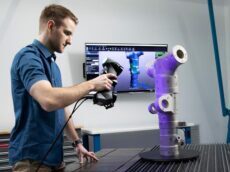
Rhinoceros offers this advanced functionality to quickly and easily design extraordinary 3D models. With this tool, users can record real-world objects in three dimensions, such as sculptures, buildings, furniture, various structures, among others, and then use those recordings to generate digital replicas.
Simulation for design test
With this function, users can evaluate a project in advance. It enables both physical and virtual printing simulations, making work more efficient and economical.
Rhinoceros also offers other tools for testing, such as the ability to check for errors, the ability to check the functionality and technical feasibility of the design. In this way, professionals can ensure that their product meets the necessary or required quality standards.
Inspection and analysis
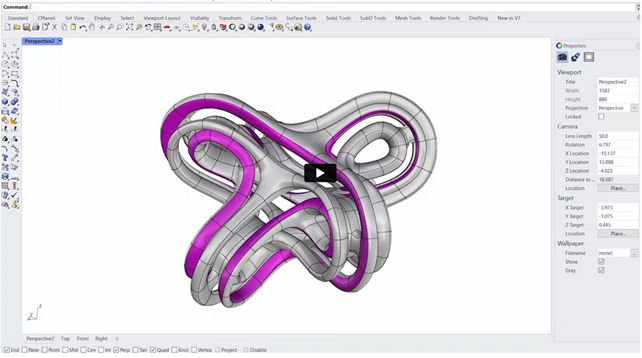
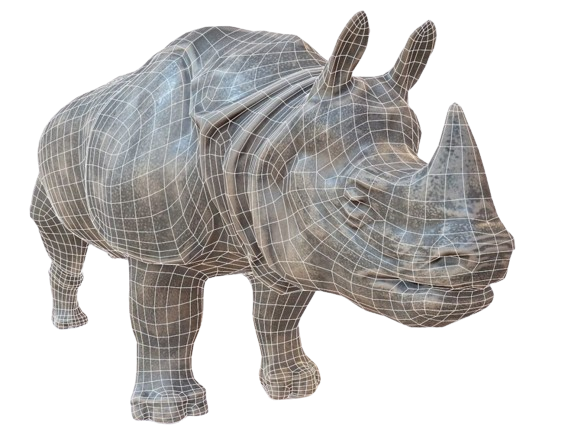
With this feature, users can quickly highlight issues such as edges and holes in meshes and surface intersections, as well as show hidden lines and highlight selected sections within models.
Rhinoceros can also be used to measure distances, angles and lengths of specific elements while providing detailed statistics on each measurement. It also provides an intuitive method to quickly assess the quality, accuracy, and balance of any 3D model.
Integration with Grasshopper
It is a graphical algorithm editor that integrates directly into Rhinoceros. Through this, users can benefit from Grasshopper’s visual and flexible components to generate complex shapes from basic concepts.
Grasshopper does not require programming skills, which means you do not have to write code to implement your ideas. Instead, users can make adjustments and changes to their designs using GUI-based tools quickly, easily and accurately.